
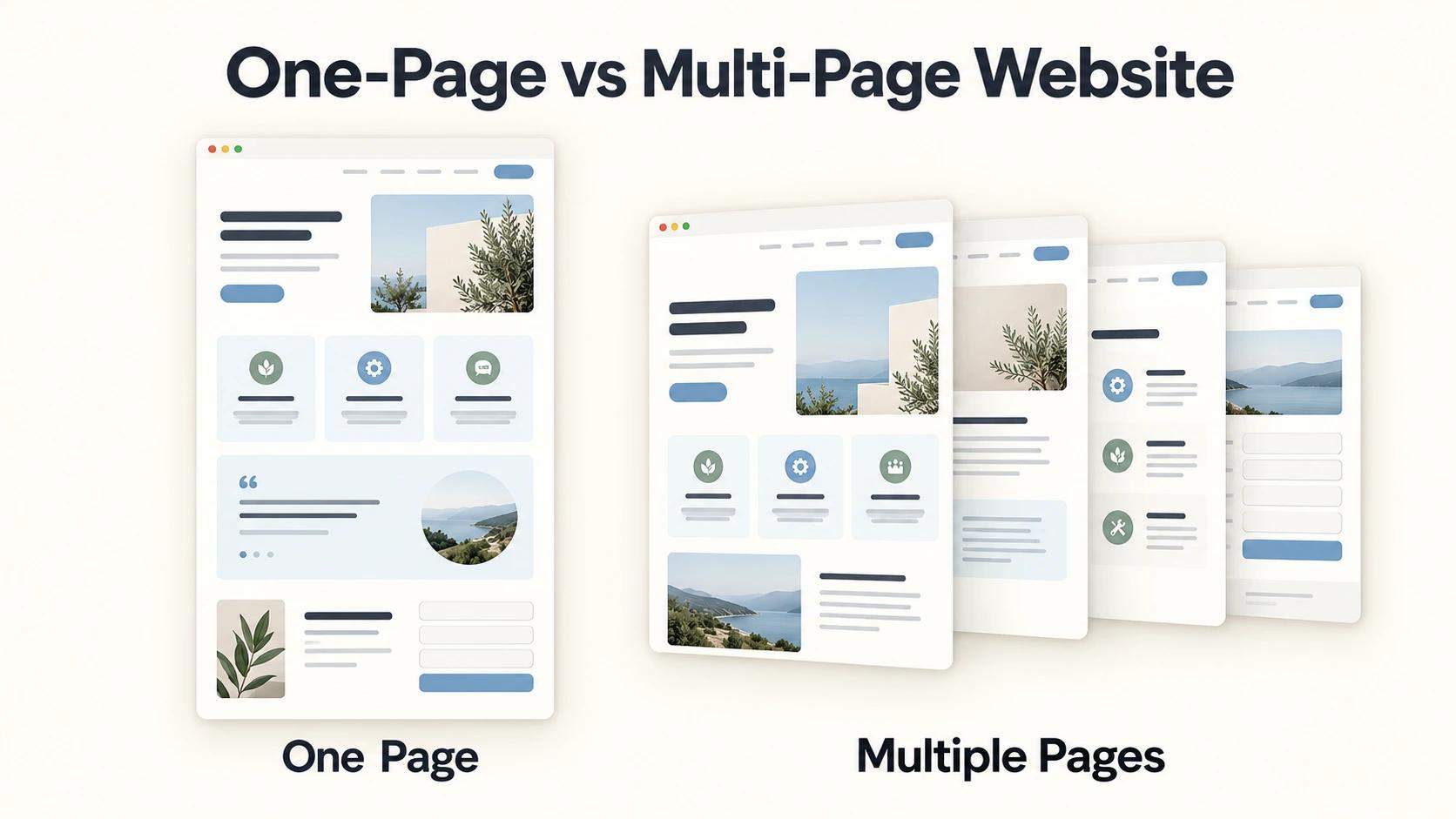
A one-page website can work well when your business has a clear offer and customers only need a few details before contacting you. A multi-page website is usually more useful when you have several services to explain, more information to share or plans to grow the website over time.
When comparing one-page vs multi-page website options, I suggest starting with a simple question: what does someone need to know before they feel comfortable making an enquiry? The answer will help you choose a website that suits your business, your customers and the budget you have available.
What is the difference between a one-page and multi-page website?
A one-page website keeps your main information together on one page. Visitors scroll through sections introducing your business, explaining your services, showing photographs or testimonials and giving them a way to contact you.
It can still have a menu. However, clicking “About” or “Contact” usually takes someone to a section further down the same page.
A multi-page website gives those subjects their own pages. A visitor might read a short introduction on Home, open Services for more information and visit About to learn who they will be dealing with.
A small multi-page website might have Home, About, Services, Work and Contact. My guide to what a five-page business website should include explains how to choose pages around what your customers need.
When discussing a package, also ask whether supporting pages, such as a privacy policy, are included.
Is a one-page website enough for a small business?
Yes, a one-page website can be enough if it gives customers the information they need to take the next step.
Imagine you run a small daycare centre. A parent visiting your website may want to know which ages you accept, your care options, opening hours, what the facilities look like and how to arrange a visit. If you can explain those things clearly on one page, you may have enough to help that parent start a conversation with you.
The same approach can suit a consultant with one main service, a small local business or a new business introducing a focused offer. It can be particularly practical when people hear about you through recommendations, social media or direct contact and visit the website to learn a little more.
The important check is whether the page remains easy to follow. If you keep adding information until visitors struggle to find what matters to them, it may be time to give some subjects their own pages.
When should you choose a multi-page website?
A multi-page website becomes more useful when customers need different information depending on the service they want.
For example, an accountant might offer bookkeeping, payroll and business advice. Someone looking for help with payroll may have different questions from someone who needs ongoing bookkeeping. Separate pages give you room to explain each service, show relevant examples and tell that customer how to enquire.
You may also need more space if your business has several types of customers, a growing collection of projects or useful advice to publish.
A hotel might need detailed room information and photographs. An education consultancy might need service explanations alongside application guidance.
You can still begin with a small website. Choose the pages that help customers understand your business now, then add others when you have something useful to share.
Which is better for being found on Google?
Both one-page and multi-page websites can appear in Google search results.
The difference is how much room you have to explain the things people are looking for.
On a one-page website, your services share the same page. That can work when they are closely related and need only a short explanation.
With separate pages, you can give each service more attention. An accountant can have one page explaining payroll support and another explaining bookkeeping, with useful details for someone searching for either.
This gives you more opportunities to answer different customer questions. It also means visitors can arrive directly at the information that interests them.
If you want people to find your business through searches for several different services, I would usually recommend a multi-page website.
However, extra pages need useful content. Copying the same general description onto several pages will do little to help someone decide whether your business can meet their needs.
Google’s SEO Starter Guide encourages useful, well-organised content. For your business, that means explaining your offer clearly and answering the questions customers actually ask. Page count alone does not guarantee better rankings.
Does a one-page website cost less?
A simple one-page website can cost less than a similar multi-page website because there is less information to prepare and fewer pages to design and review. But the amount of work still matters.
A one-page website that needs extensive writing, a large gallery or a booking process may take more work than a few straightforward pages.
Before comparing prices, ask what the quotation includes. Will you supply the text and photographs? Will the designer help you organise or write the content? How many rounds of changes are included, and what happens after launch? Those details help explain why two quotations for a “one-page website” may be very different.
My small-business website cost guide explains the main factors to consider.
Will a one-page website look professional?
It can. A well-presented one-page website can give customers a clear understanding of your business and make contacting you easy. Your words, photographs and overall presentation matter. Visitors should be able to understand what you offer, see reasons to trust you and find your contact details without struggling.
The same applies to a multi-page website. More pages will not solve unclear service descriptions or missing business information.
Whichever option you choose, keep your logo, colours and presentation consistent. If those need attention too, my branding service can help you bring the business’s look together.
What about customers visiting on their phones?
Both options can work well on a phone when they are designed carefully.
On a one-page website, people should be able to move easily between sections. On a multi-page website, the menu should help them find the right page.
Before approving the website, open it on your phone and try a few things a customer would do. Read a service description, look for your phone number and send a test enquiry.
Check whether the text is comfortable to read and the buttons are easy to use. A contact form should ask for the information you need to begin the conversation.
These checks matter whichever website size you choose.
A practical example from Smart Insights
When I developed the Smart Insights education consultancy website, its main pages included Home, About, Services, News and Contact.
Prospective students needed to understand the consultancy’s services and who they would be dealing with. They also needed useful information about study opportunities and applications.
A separate News section gave that guidance somewhere to sit as more articles were added. The homepage could introduce the business and help visitors find the information relevant to them.
That structure suited Smart Insights. A business with a shorter offer and fewer questions to answer may be well served by one page.
You can view my website and branding work for more examples of how I approach different business needs.
Can you start with one page and add more later?
Yes, you can start with one page and expand as your business develops.
You might later add detailed service pages, examples of completed work or articles that answer common customer questions.
Discuss that possibility with your designer before the first website is built. Ask what adding pages would involve and how that work would be priced.
If you already know you need several detailed pages, including them from the beginning may save you from reorganising the website shortly after launch.
If your offer is still developing, a smaller first version can give you something useful to share while you prepare the next stage.
Agreeing on what belongs in the first version also helps you plan a realistic website design timeline.
How do you decide what your business needs?
Before requesting a quotation, take a little time to answer these questions:
- What should someone do after visiting? You might want them to call, request a quotation or arrange a visit.
- What do they need to know first? Think about the questions customers ask before they buy.
- Can you answer those questions clearly on one page? Consider whether any service needs a fuller explanation.
- How will people find the website? Think about recommendations, social media, advertising and searches for your services.
- What are you likely to add later? Consider new services, projects, advice or other information.
These answers give your designer something concrete to work with. They also help you judge whether a proposed website is large enough to do its job.
Choose a website that helps customers take the next step
The right website gives customers enough information to understand your offer and feel comfortable contacting you.
For some businesses, that can happen on one page. For others, separate pages make the information easier to explain and explore.
If you need help deciding, contact me with a short description of your business and what you want the website to achieve.